Importing and restoring guides
Admins may do everything with every guide that an owner may do with their own; Writing guides explains that, including transferring ownership. Two things only admins do: importing guides from other kataba instances, and restoring deleted guides.
Importing a guide
A guide package is a ZIP file of a guide, exported from a kataba instance with Export in the guide editor (see Exporting and importing guides). To import one, open Administration → Import guide, or Import guide in the category it should go to.
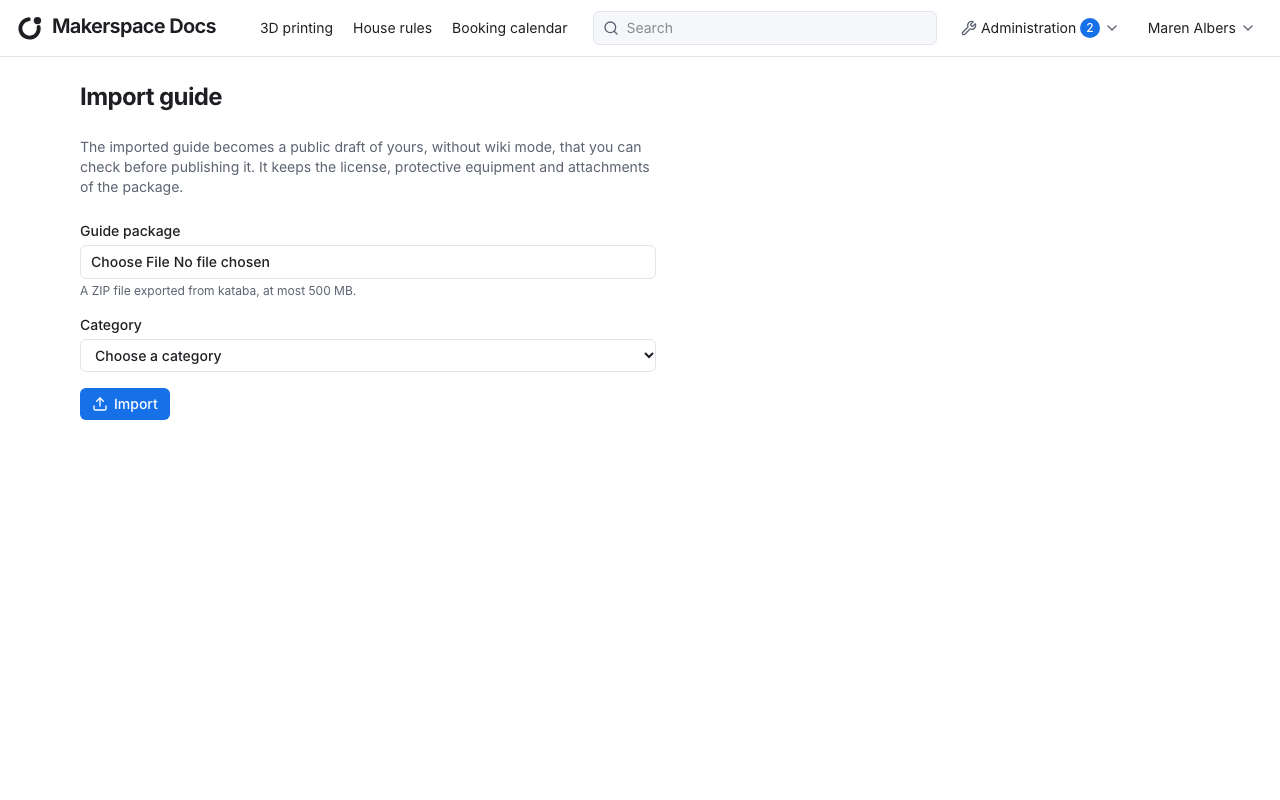
Choose the guide package, a ZIP file of at most 500 MB, and the category, then Import. The guide becomes a draft of yours, public and without wiki mode, in that category, and kataba opens it in the editor. It keeps the content, step images, annotations, license, protective equipment and attachments of the package; its versions, its owner and its visibility stay behind on the instance it came from.
Check the draft before you publish it, and set its visibility or transfer it to the author who should look after it.
A package exported by an older kataba can always be imported. One from a newer kataba is refused: update this instance first.
Restoring deleted guides
A deleted guide is not gone: Administration → Deleted guides lists all deleted guides, each with when and by whom it was deleted.
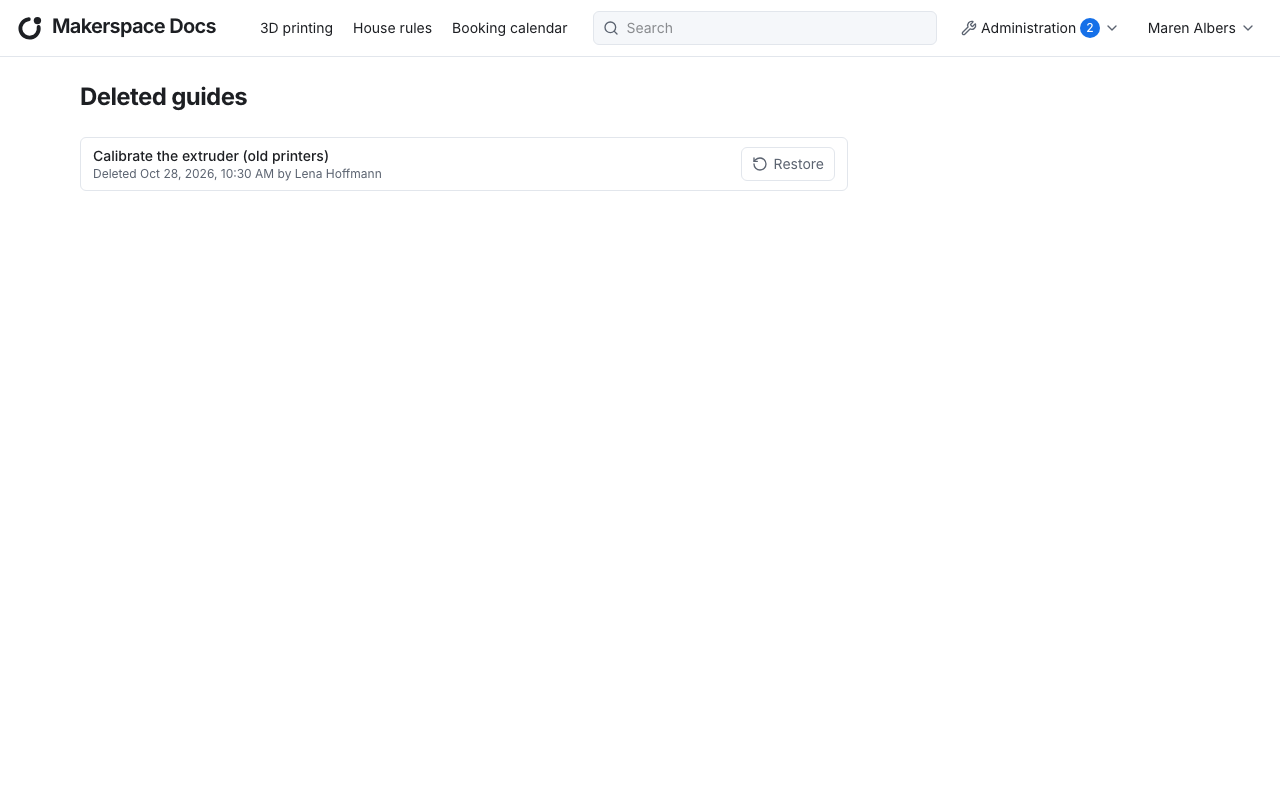
Restore brings a guide back into its category, with everything it had: published or draft, its versions, its owner, and its menu items, which show again. In a category with manual child order, it goes last.
Since a deleted guide can still be restored, the category it was in counts as not empty and cannot be deleted.